
How to choose the best laptop bags for your needs
Choosing from the endless sea of laptop bags can feel overwhelming. It’s more than a simple purchase; it’s an investment in the safety of your most critical device and a daily accessory that impacts your comfort and professional image. A great bag is an invisible partner in your daily routine, while a poor one is a constant, frustrating annoyance. This guide provides trustworthy, experience-based guidance to help you select a laptop bag that not only protects your tech but genuinely complements your lifestyle.
More Than Just a Bag: Why Your Laptop’s Carrier Matters
Think about the sheer amount of trust you place in a laptop bag. It guards a device that can be worth thousands of dollars (all prices mentioned in this article are in USD) and holds your most sensitive work, personal projects, and memories. Beyond simple protection from bumps and scratches, the right bag offers ergonomic support to prevent back and shoulder strain, organizational efficiency to save you time, and a professional aesthetic that aligns with your career. It’s a functional tool that should be chosen with the same care as the technology it carries.
Decoding the Styles: Backpacks vs. Messengers vs. Totes vs. Sleeves
The first decision point is the form factor. Each style serves a different primary purpose, and the best choice depends entirely on your daily commute, carrying needs, and personal style. There’s no single “best” option, only the one that is best for you. As detailed by ergonomic studies, how you distribute weight across your body is a critical health consideration.
The Ergonomic Champion: Laptop Backpacks
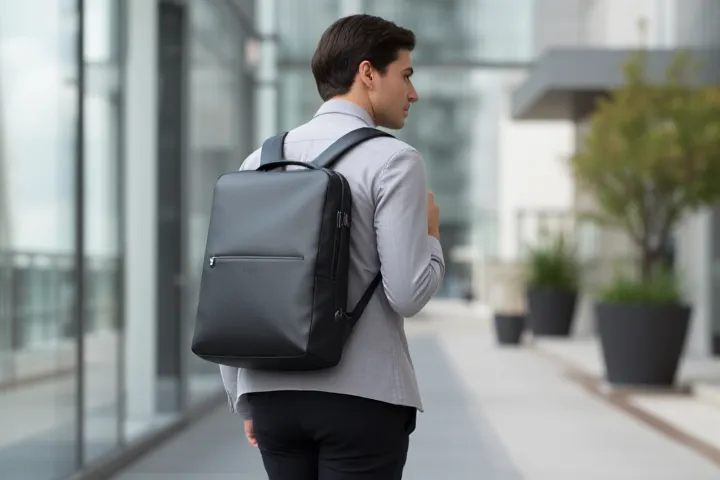
Ideal for commuters who walk, bike, or use public transportation, the backpack is the undisputed king of comfort. By distributing weight evenly across both shoulders, a well-designed laptop backpack minimizes strain on your neck and back. Look for models with padded, adjustable shoulder straps, a chest strap for added stability, and a ventilated back panel to reduce sweat. They offer ample space, making them perfect for students and professionals who carry more than just a laptop, such as a water bottle, gym clothes, or lunch.
The Professional Classic: Messenger Bags and Briefcases
The messenger bag, worn over one shoulder or across the body, offers quick access to your belongings and a sleek, professional look. It’s a fantastic choice for those who drive to work or have short commutes where long-term carrying comfort is less of a priority. Modern briefcases have evolved from rigid boxes to sophisticated, soft-sided carriers with dedicated tech compartments. While stylish, be mindful of overloading them, as the single-strap design can lead to uneven muscle fatigue over time.
The Stylish Hybrid: Laptop Totes
For those who refuse to sacrifice fashion for function, the laptop tote is a perfect solution. These bags often resemble large, high-end purses but feature a crucial difference: a padded internal compartment for a laptop and dedicated pockets for accessories. They seamlessly transition from the office to after-work engagements, but like messenger bags, they place the load on a single shoulder, so they are best suited for lighter carrying needs.
The Minimalist Protector: Laptop Sleeves
A sleeve is not a standalone bag but a padded pouch designed for one purpose: protecting your laptop from scratches and minor bumps inside another, larger bag that lacks a dedicated computer compartment. They are an excellent, low-cost solution for adding protection to a favorite backpack or tote you already own. Some sleeves come with a small handle or a slim pocket for a charger, offering a minimalist carrying option for a quick trip to a coffee shop.
Key Features That Define a Quality Laptop Bag
Once you’ve settled on a style, the details determine a bag’s true quality and longevity. These are the non-negotiable features to scrutinize before making a purchase. Vetting these elements is crucial for ensuring you get the best value and protection.
Material and Durability: From Ballistic Nylon to Full-Grain Leather
The exterior fabric is your laptop’s first line of defense. Common high-quality materials include:
- Ballistic or Cordura Nylon: A synthetic, rugged fabric known for its exceptional resistance to tears and abrasion. It’s a workhorse material used in high-performance gear.
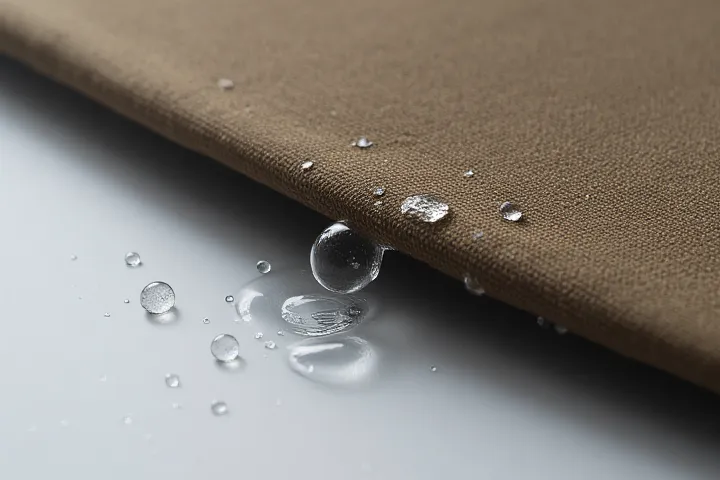
- Polyester: Often found in more budget-friendly options, high-denier (e.g., 600D and above) polyester is durable and water-resistant.
- Full-Grain Leather: Offers a premium, professional aesthetic and is incredibly durable, developing a unique patina over time. It is, however, heavier and requires more maintenance.
- Waxed Canvas: Provides a classic, rugged look with excellent water resistance, though it can also be heavier than nylon.
Padding and Protection: The Core Function
The quality of the laptop compartment is paramount. Look for dense, high-quality foam padding on all sides. A key feature often overlooked is a “false bottom” or “suspended sleeve,” where the bottom of the laptop compartment is raised an inch or two from the bottom of the bag. This design, often highlighted in detailed product reviews by experts like those at RTINGS.com, provides critical protection if you accidentally drop the bag.
Organization and Capacity: A Place for Everything
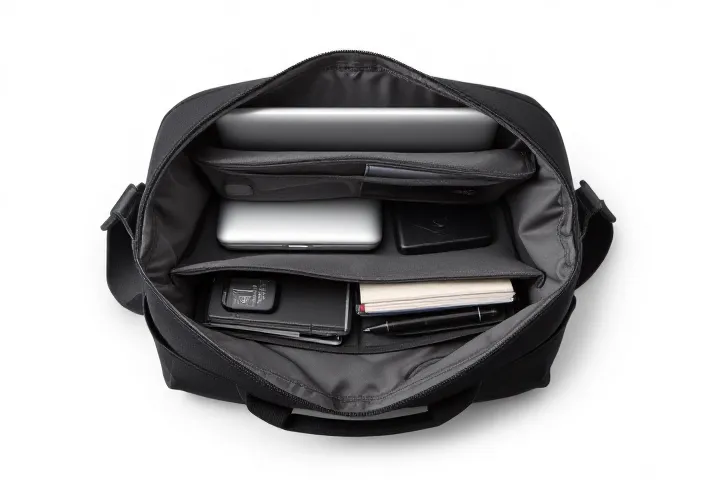
A great bag prevents you from endlessly digging for a pen or your keys. Assess the organizational layout. Does it have dedicated slots for your mouse, charger, cables, phone, and notebooks? Exterior pockets for a water bottle or umbrella are also highly convenient. The capacity, measured in liters, should match your needs without encouraging you to carry unnecessary weight.
Comfort and Ergonomics: Saving Your Shoulders
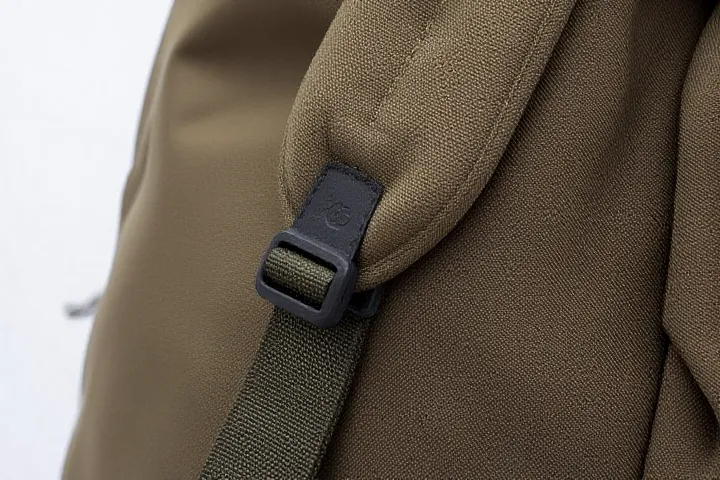
For backpacks and messenger bags, comfort is key. Padded and contoured shoulder straps prevent digging. A luggage pass-through strap on the back is a game-changer for frequent flyers, allowing you to slide your bag securely over a rolling suitcase handle. Check the hardware—zippers and buckles should be robust and operate smoothly.
A Practical Example: Choosing a Bag for a Hybrid Professional
Meet Alex, a marketing consultant who works from home three days a week and commutes to a city office twice a week via train. Alex carries a 14-inch laptop, a charger, a notebook, a mouse, a water bottle, and occasionally a light jacket.
A messenger bag would be stylish but could cause shoulder strain on the walk to the train station. A large travel backpack would be overkill. The ideal solution for Alex is a slim, professional laptop backpack with a capacity of around 20-25 liters. It would cost between $100 and $180. This provides the ergonomic support needed for the commute while remaining sleek enough for the corporate environment. The multiple compartments would keep the tech organized and separate from personal items.
Expert Insight: What to Look for in Stitching and Hardware
According to Dr. Alistair Finch, a materials scientist with over 15 years of experience in textile engineering for performance gear, “Consumers often focus on the main fabric, but a bag’s weakest points are almost always the seams and zippers. Look for double stitching or bar-tack reinforcement at high-stress points like where the shoulder straps connect to the body. For zippers, brands like YKK are the industry standard for a reason; their durability is unmatched and they are less likely to snag or break.”
Care, Caution, and Recommendations
To maximize the lifespan of your bag, regular maintenance is essential. For fabric bags, spot clean with a mild detergent and a damp cloth; never submerge them in water as it can degrade the padding and water-resistant coatings. Leather bags require occasional conditioning to prevent cracking. Avoid consistently overloading your bag, as this puts undue stress on the seams and zippers, leading to premature failure. Finally, always ensure your laptop is fully shut down and not just in sleep mode before placing it in a tightly packed bag to prevent overheating.
Alert: Always measure your laptop’s physical dimensions (width, depth, and height) and compare them to the bag’s specified laptop compartment dimensions, not just the screen size. A “15-inch” laptop from one brand can have a significantly different physical footprint than a 15-inch model from another, a fact often overlooked by consumers.
By applying this framework of evaluating style, materials, and key features, you can confidently filter through the options and find a bag that serves you well for years. A little research now will save you from the frustration of a poorly chosen bag later.
Frequently Asked Questions
- What is the most important feature to look for in a laptop bag?
- The single most important feature is the quality of the laptop compartment’s padding and protection. Look for thick, dense foam and a suspended design or “false bottom” to protect the device from drops.
- Are messenger bags better than backpacks for carrying laptops?
- For ergonomic health, backpacks are superior as they distribute weight evenly. However, messenger bags offer quicker access and a more formal aesthetic, making them suitable for shorter commutes or when carrying lighter loads.
- How can I be sure my laptop will fit in the bag I buy?
- Do not rely on screen size alone. Physically measure your laptop’s width and depth and compare those numbers to the interior dimensions of the laptop compartment provided by the bag manufacturer.
- What does “TSA-friendly” mean for a laptop bag?
- A TSA-friendly or “checkpoint-friendly” bag has a laptop compartment that can unzip and lay completely flat on the X-ray scanner belt, allowing you to go through airport security without removing your laptop. Official guidelines can be found on the TSA website.
- Is a waterproof laptop bag really necessary?
- For most people, a highly water-resistant bag made of ballistic nylon or coated polyester is sufficient to protect against rain during a typical commute. Truly “waterproof” bags, which can be fully submerged, are usually only necessary for extreme weather conditions or marine environments.
- How much should I spend on a quality laptop bag?
- You can find durable, well-designed laptop bags from reputable brands in the $70 to $250 price range. While cheaper options exist, they often compromise on padding, material quality, and zipper durability, making the long-term value of a slightly higher investment much greater.
- Can I clean my laptop bag in a washing machine?
- It is highly discouraged. Machine washing can damage the protective foam padding, compromise the structure, and strip away water-resistant coatings. Always spot-clean your bag according to the manufacturer’s instructions, as detailed in care guides like those provided by Consumer Reports.
Ultimately, the best laptop bag is one that you don’t have to think about. It should seamlessly integrate into your life, reliably protecting your technology while providing comfort and convenience. By prioritizing protection, ergonomic design, and quality materials over fleeting trends, you’ll make a smart investment that pays dividends in peace of mind and daily utility. Don’t underestimate the impact a great bag can have on your professional life; it’s a foundational piece of your everyday carry toolkit.
For further in-depth reviews and comparisons, resources like Carryology offer expert analysis on a wide range of bags, while Wirecutter provides rigorous, hands-on testing. And for advice on preventing back pain from carrying loads, the American Chiropractic Association has useful, practical tips.